Petals: Designing and Developing a Vector Flower Generator Plugin for Figma and FigJam
Context
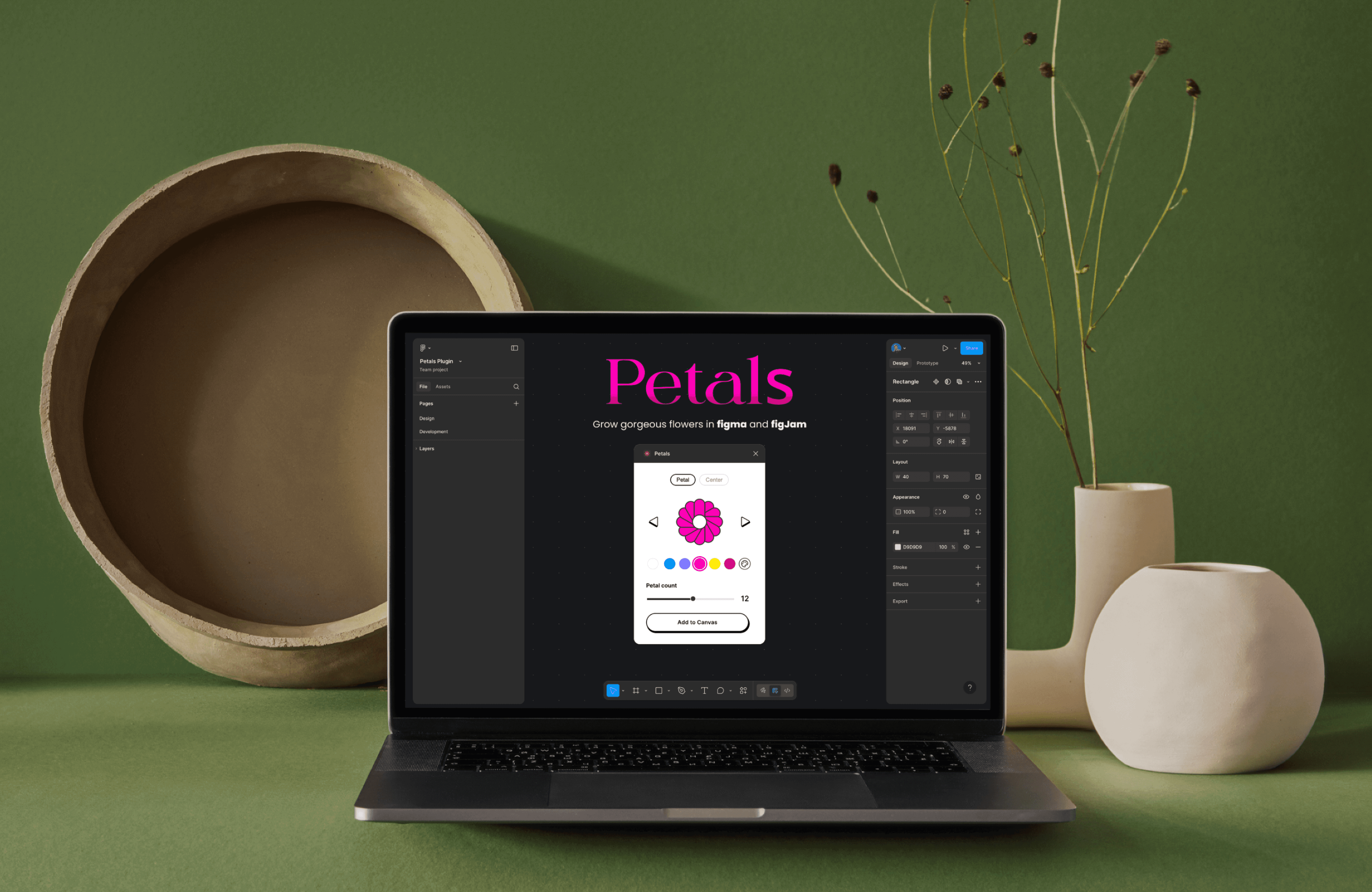
I designed, developed, and launched Petals, a Figma plugin that generates custom vector flowers with different petal styles and color options
It began with a curiosity to learn how Figma plugins are made and to use coding to build something simple, creative, and helpful for other designers
Why vector flower generator plugin
I wanted to create something simple, playful, and visually flexible while learning how Figma plugins work. I explored concepts like fire shapes, dew drops, and other organic forms, but many were either too complex for a first build or already had similar plugins available.
Flowers offered the right balance—easy to understand, customisable, and useful for many design styles—making it a practical and creative direction to pursue.
Design Research
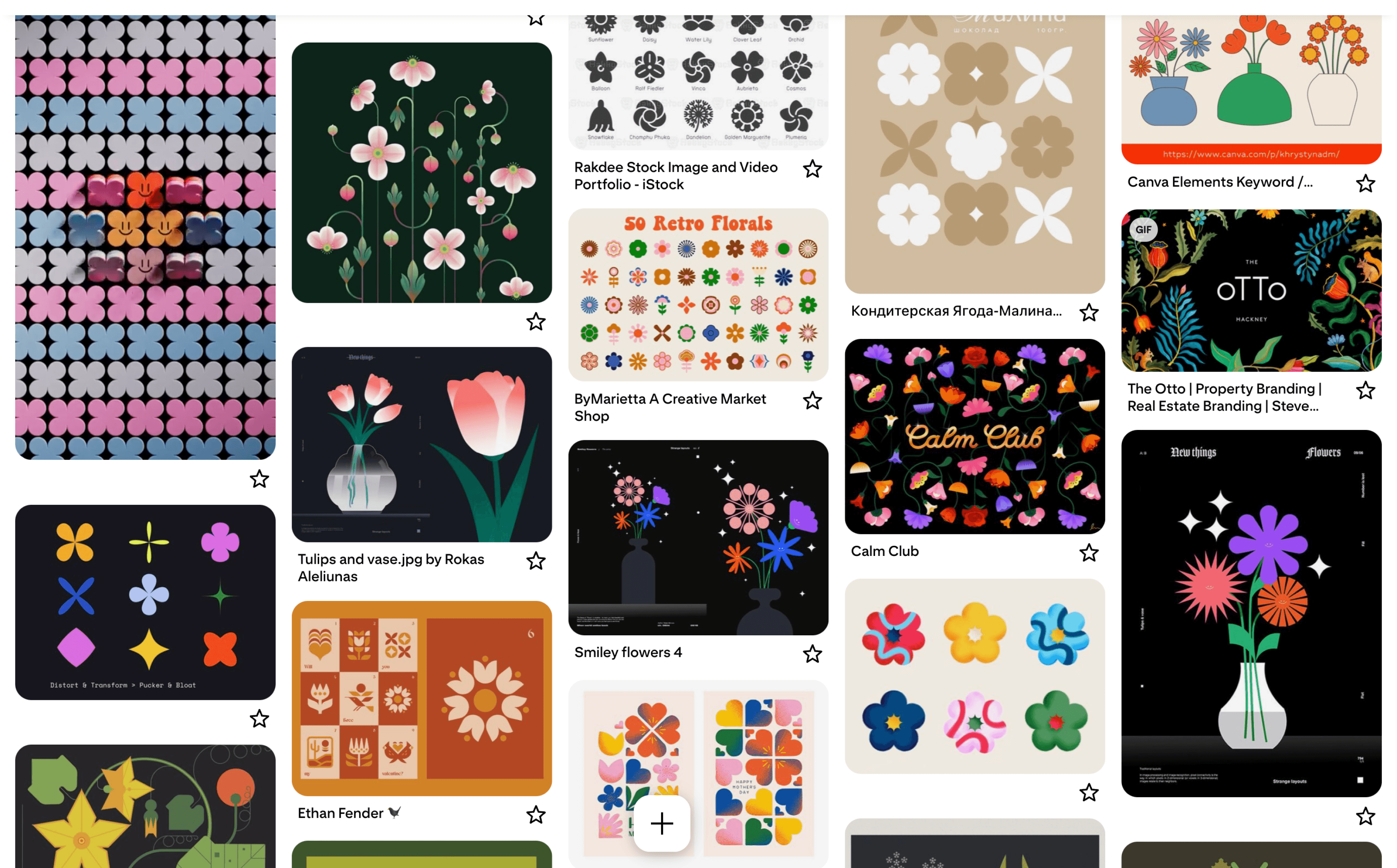
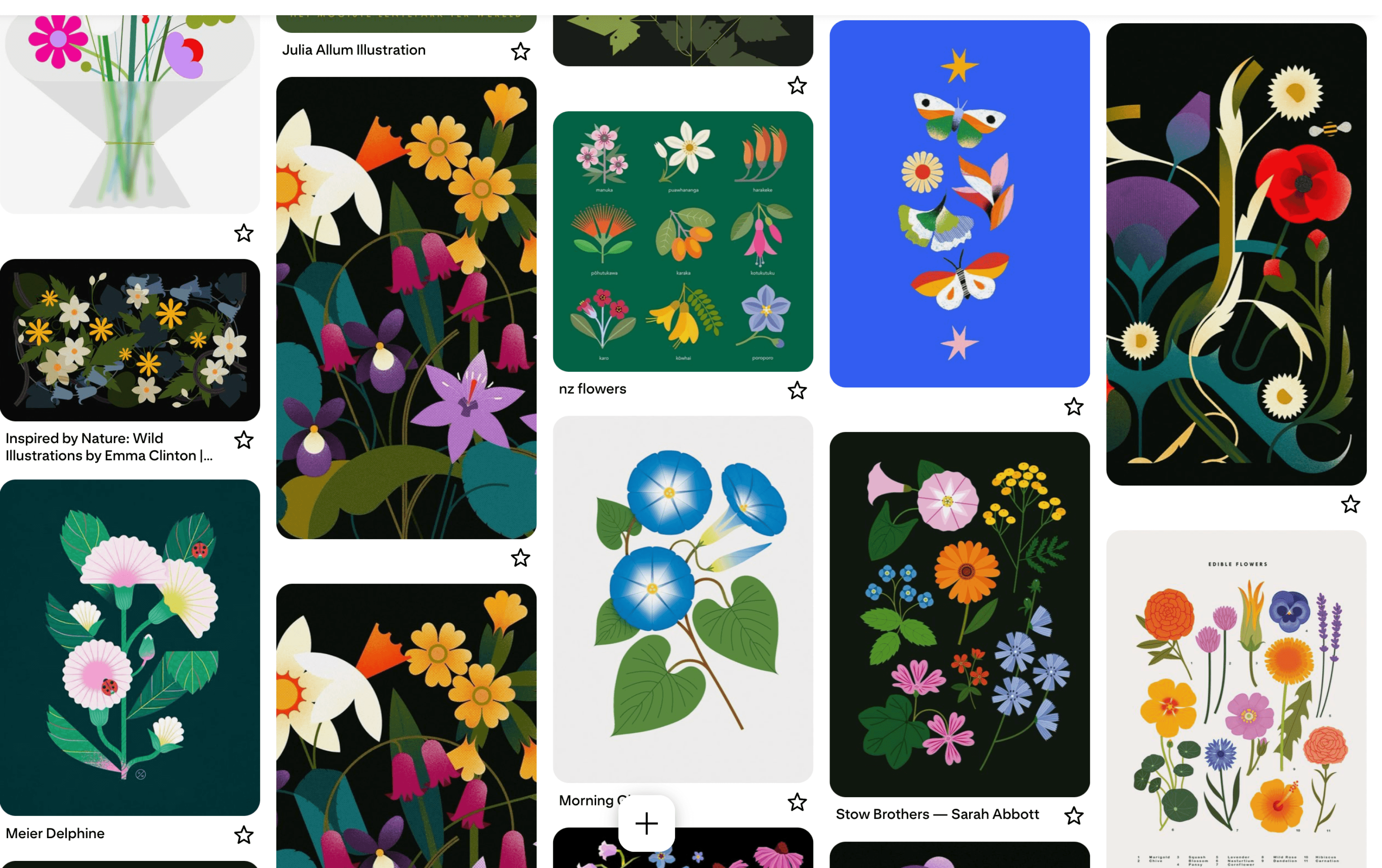
I explored a variety of flower design styles, analysed shapes, symmetry, and color patterns to define the visual direction and ensure design consistency for the plugin.
This research helped me understand which styles work best for vector-based designs and guided the UI and customisation options in Petals.
Where Floral Elements Are Used
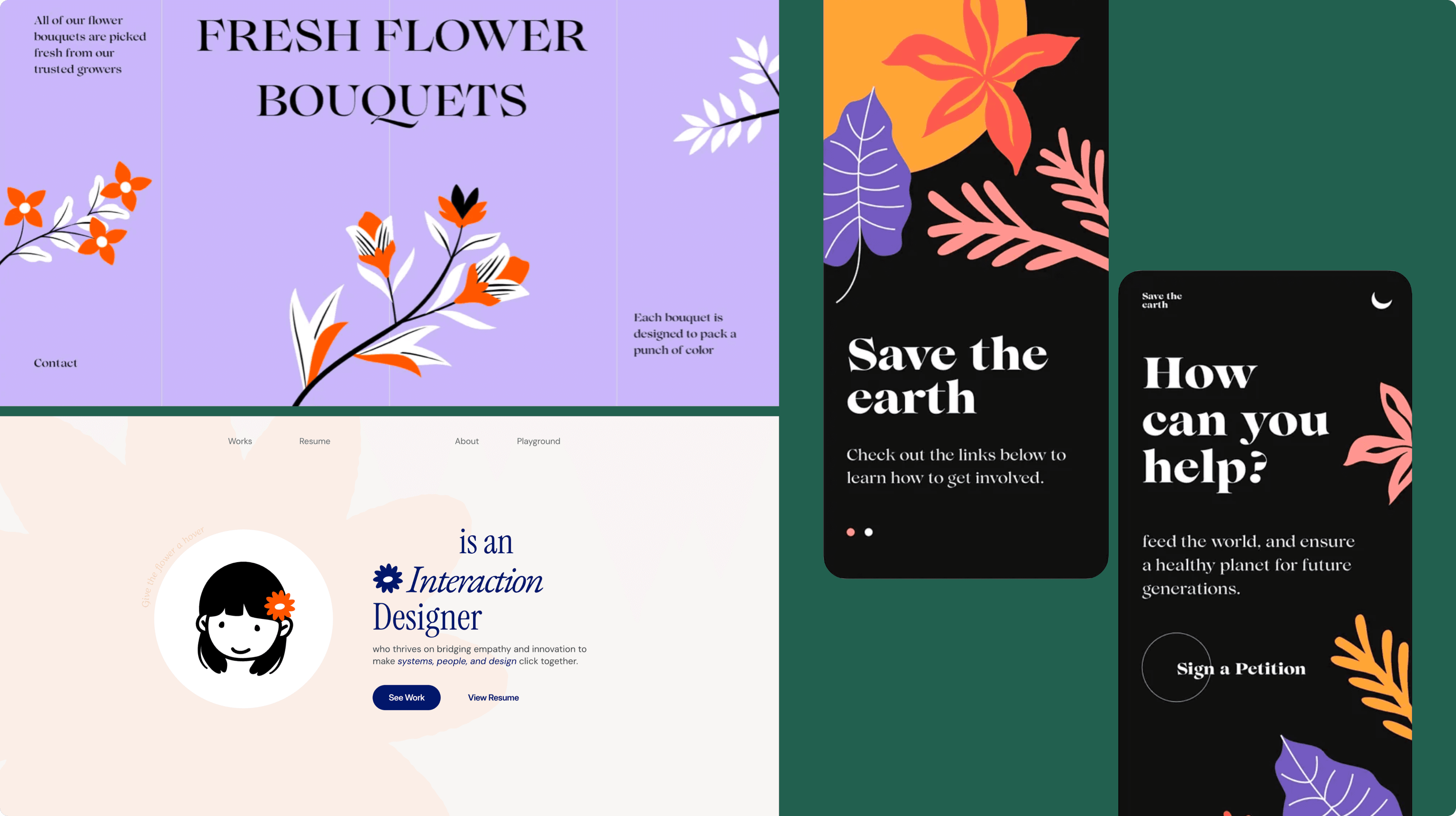
Floral elements are widely used in digital design—especially in websites, portfolios, and mobile interfaces—to add simple decorative details without overwhelming the layout.
During my research, I found that designers often rely on small illustrations like flowers to make sections feel more lively and to enhance visual appeal
Ways to Build a Figma Plugin
There are two main approaches to build a Figma plugin-
Manual coding with Figma Plugin API – Writing code directly using JavaScript, HTML, and CSS, which gives full control over functionality
Using a plugin builder (no-code/low-code tool) – A tool that allows you to create plugins with minimal coding, but with limited customisation options
I chose to build the plugin by coding it manually because I wanted to understand how a plugin works technically, practice writing the code, and make a fully flexible and interactive plugin.
Plugin Interface Design
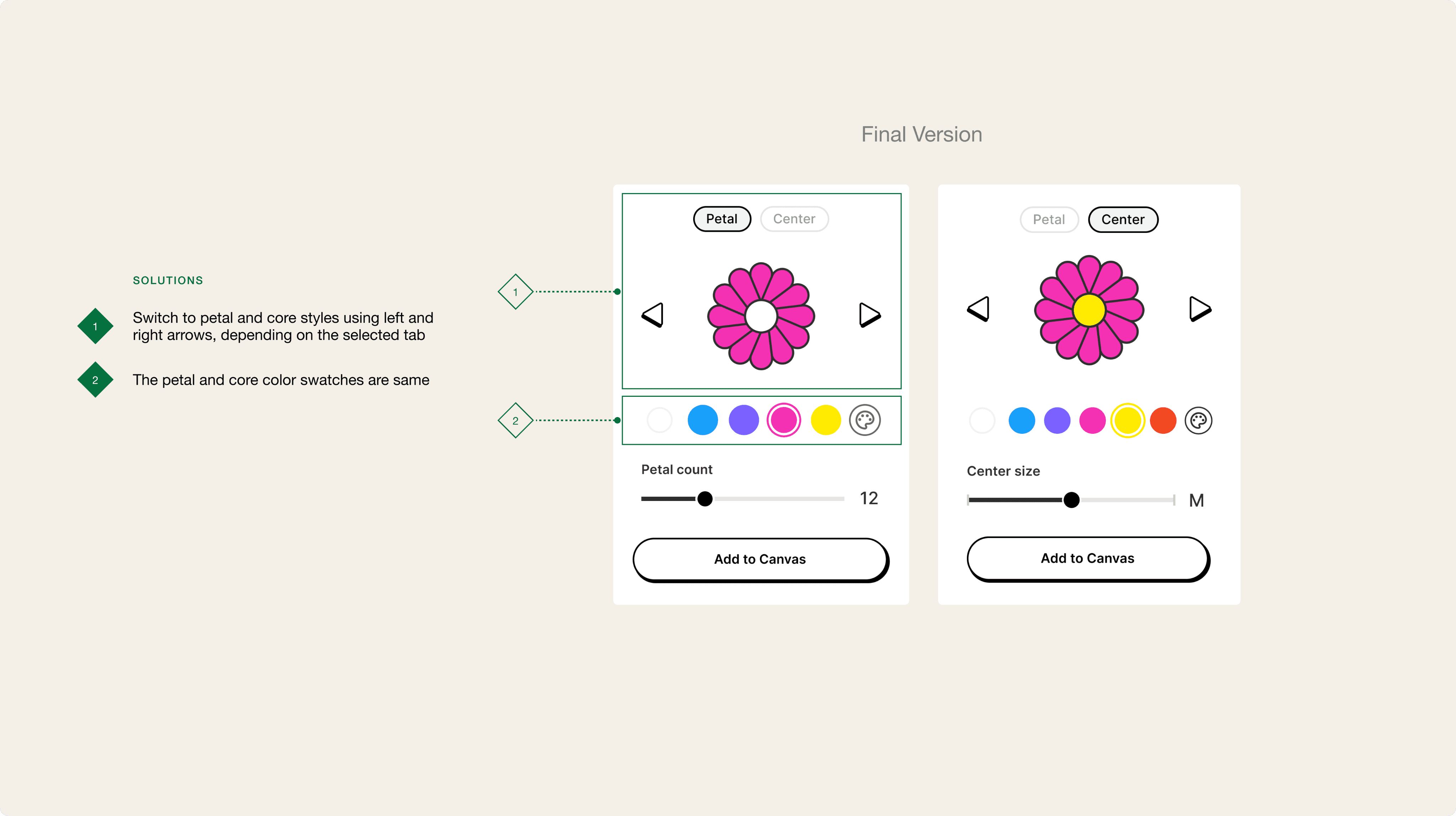
I started by designing the plugin interface that users would interact with in Figma.
I carried out multiple design iterations. Here are the major ones-

Development Process
01
Vibe Coding -
Before setting up the full development environment, I tested my initial ideas using Lovable, Bolt.new, and Figma Make. These tools helped me quickly write and preview early code, but they had limitations—especially when working with complex vector shapes.
In Version 1, I could only generate flowers using simple geometric forms because I couldn’t crack the logic needed for more organic petal structures.
This became a key challenge and set the focus for Version 2, where solving complex shape generation became the main goal.
02
Set Up Development Environment -
I started by preparing the development environment. This included installing Visual Studio Code, creating the project folder structure, and configuring all necessary dependencies to begin building the plugin.
03
Plugin Coding -
Next, I implemented the plugin functionality by writing code in HTML, CSS, and TypeScript. The project was organised with three main files-
manifest.json – Defines the plugin metadata and configuration.
ui.html – Contains the user interface elements that users interact with.
code.js – Handles the plugin logic and connects the UI to figma.
I integrated these files with the Figma Plugin API to make the interface interactive and responsive. This process allowed me to translate the designed UI into a fully functional plugin.
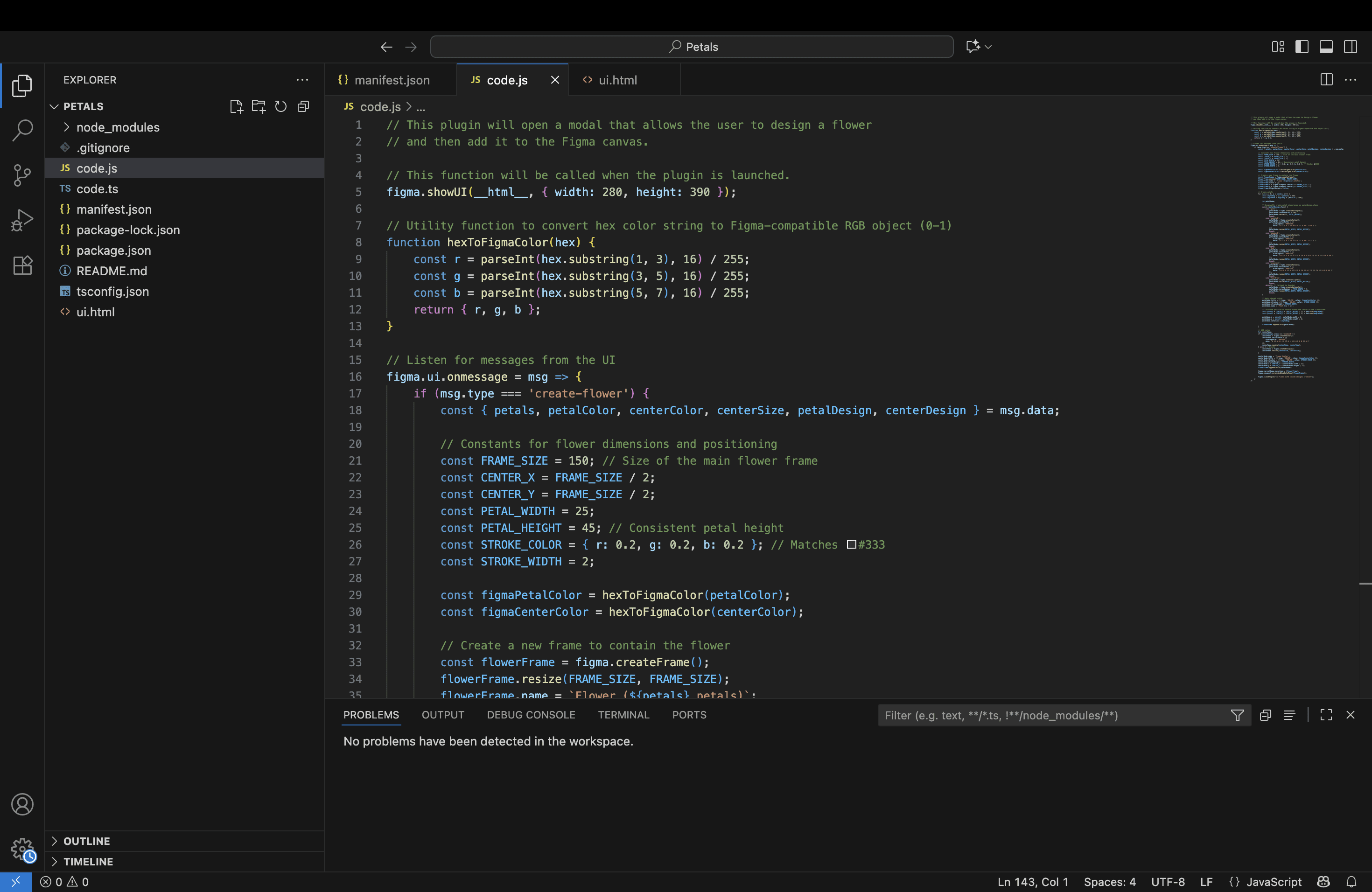
Main project files defining metadata, UI, and logic of the plugin
Testing & Debugging
I tested the plugin thoroughly inside Figma to ensure all features worked as intended. Adjusting the UI took time to get buttons, sliders, and panels aligned neatly.
I also resolved issues like misaligned controls and unexpected behavior by updating HTML, CSS, and Typescript, ensuring that generating different flower styles and changing colors worked smoothly.
After multiple rounds of testing and adjustments, the plugin became stable, responsive, and easy for users to interact with.
Flower Styles
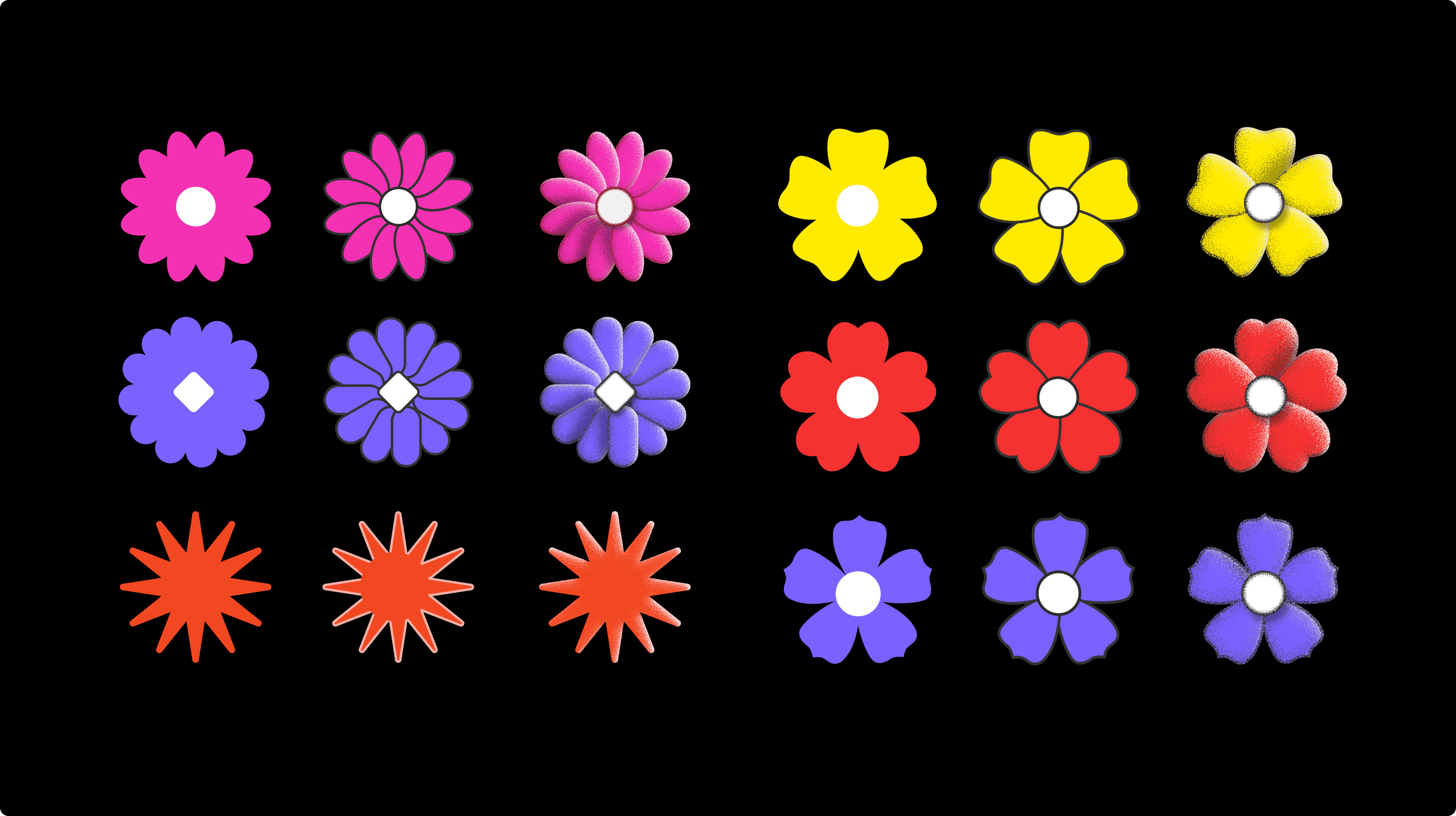
I launched Petals Version 1 in July 2025, featuring a core set of vector flower styles. I am currently working on Version 2’s development part, which adds more flower styles and customisation options.
Here are all the flower styles.
Use Cases
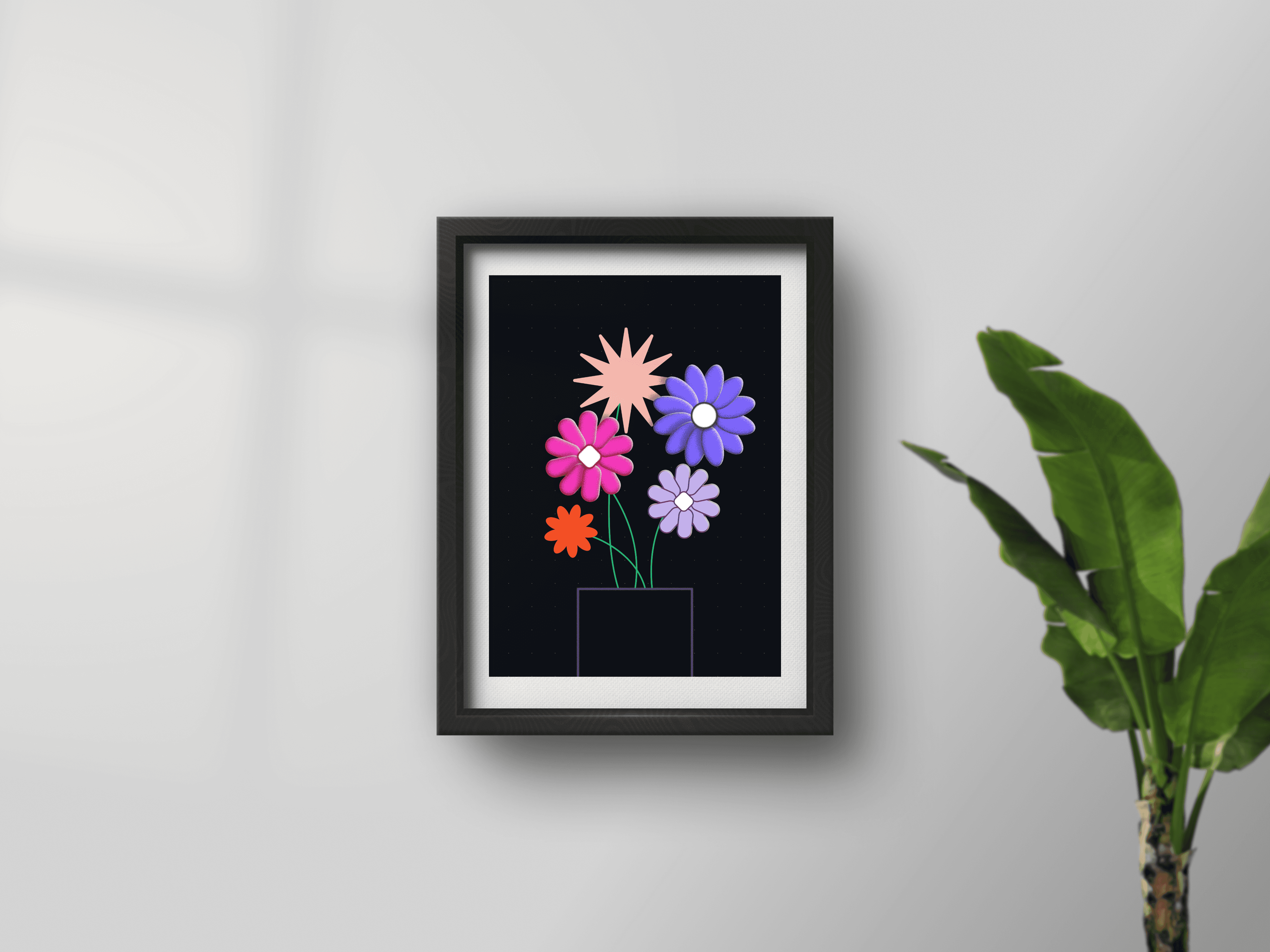
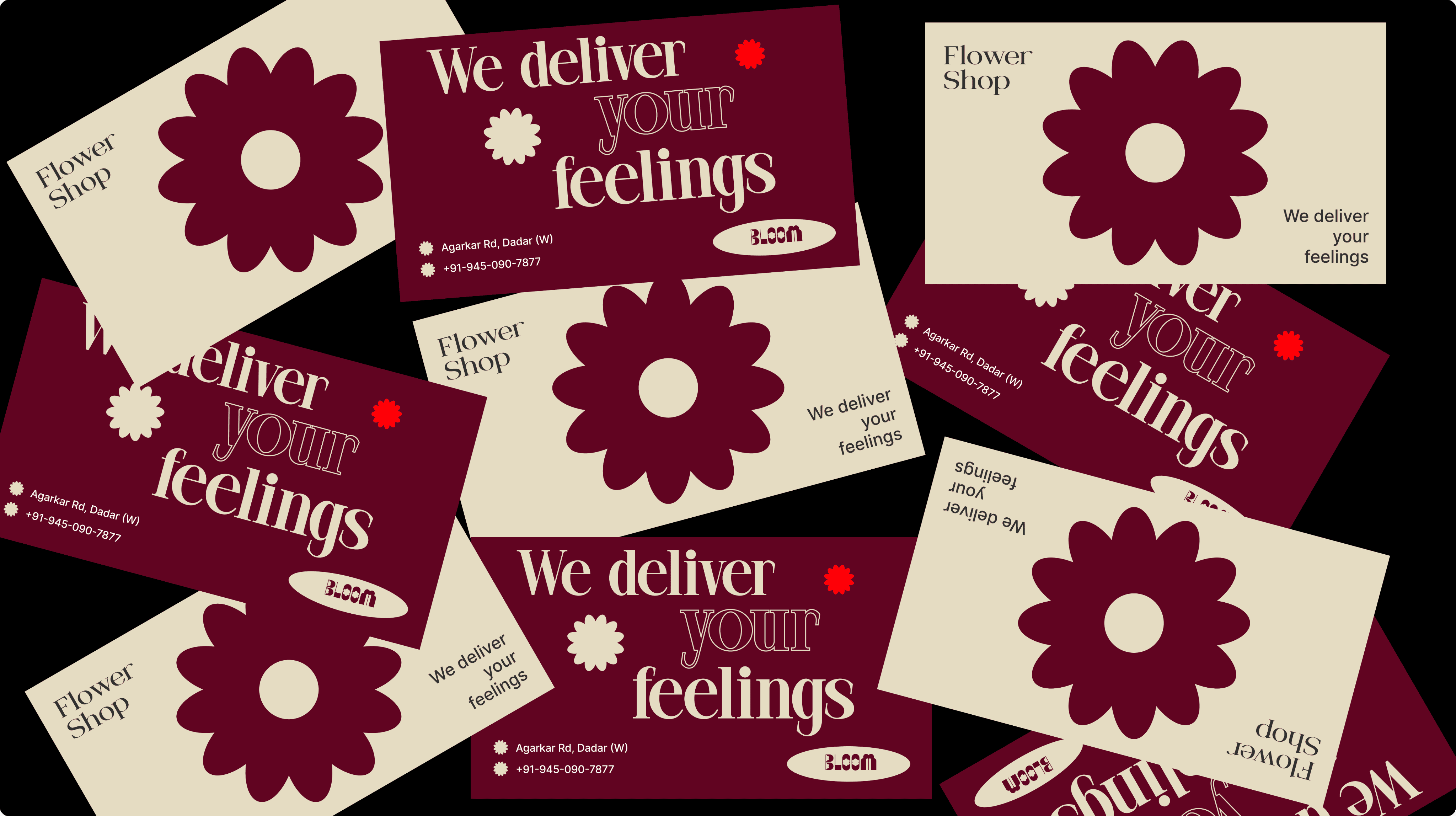
These vector flowers can be used in illustrations, backgrounds, brand elements, and more.

Impact
The following shows the current stats for Petals as of October 2025
Project Learnings
Here are the things I learned while working on this plugin-
• Gained hands-on experience in coding
• Built a foundation to create more complex and interactive plugins in the future
160
Users
13
Saves